kelloprod.com
MIDI Guitar Tab — MIDI to Guitar Chord & Voicing Converter
MIDI Guitar Tab — MIDI to Guitar Chord & Voicing Converter
Couldn't load pickup availability
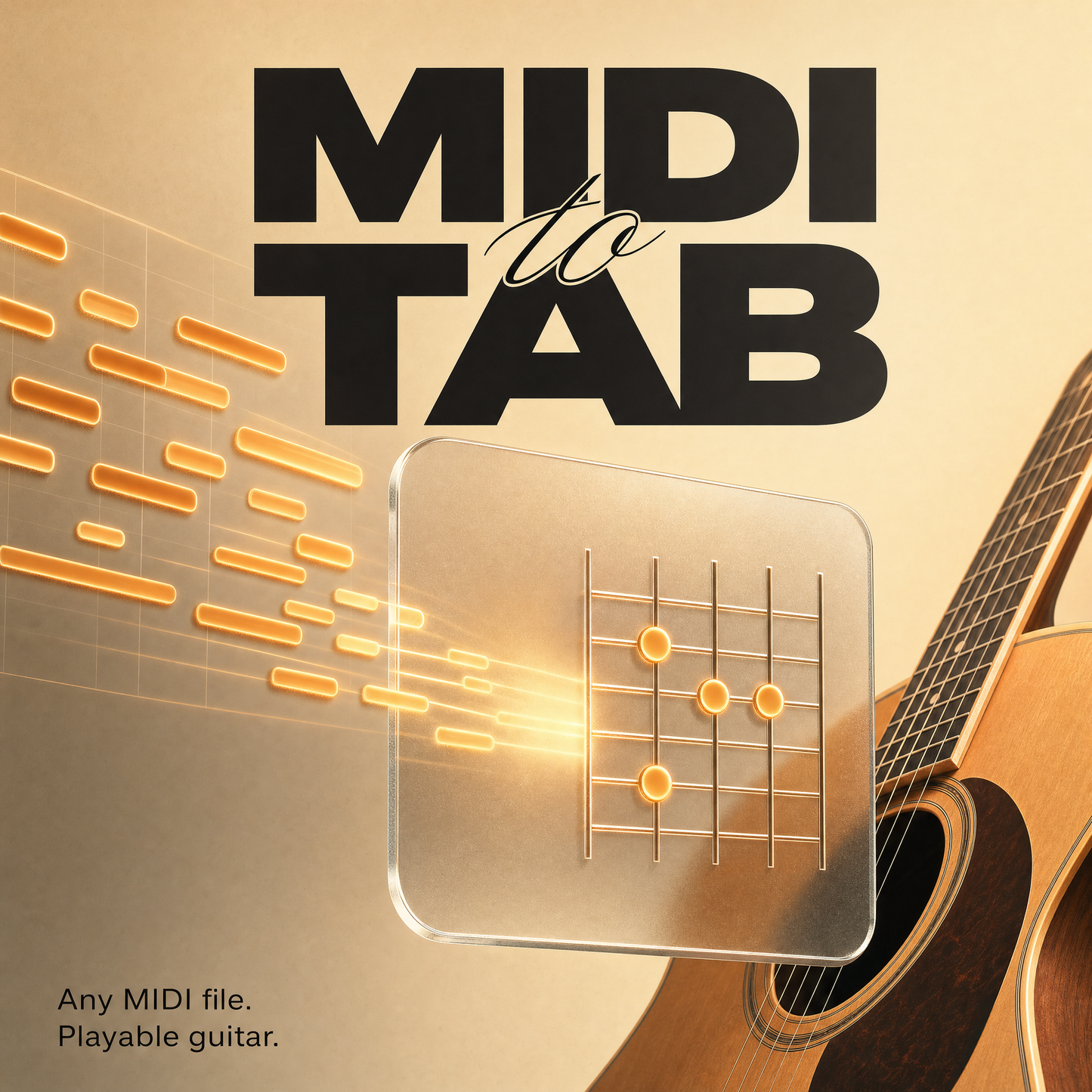
Turn any MIDI file into playable guitar — in seconds.
You wrote the chords in your DAW. Now you're stuck hunting for the shapes on the fretboard. MIDI Guitar Tab does it for you: drop in a .mid file and get every chord as a clean fretboard diagram — with the smoothest way to play the whole progression already worked out.
What used to take 20 minutes of trial and error takes 5 seconds.
What it does
- Instant chord detection — Drag & drop a MIDI file. The app reads the chords, key, and BPM and lays them out as fretboard cards. Ambiguous chord? You get alternative readings with a match score.
- Smart voicing engine — Every chord in multiple shapes (Open, Barre, CAGED, Triads, Shell, Power). The app optimizes the whole progression for minimal hand movement and color-codes each transition: Smooth, Moderate, or Difficult. One click on "Easiest" plays it safe everywhere.
- Hear it before you play it — Audio preview for any chord or the full progression.
- Progression Builder — Build your own changes with theory-based suggestions ("After G, try C, Em, Am…"), function labels (tonic/subdominant/dominant), and famous preset progressions.
- Scale display — See the scales that fit your key on an interactive fretboard. Perfect for melodies and solos over the progression.
- Save & export — Store your progressions locally and export tabs as text for notes, forums, or lessons.
Who it's for
- Producers & beatmakers who write in the DAW but want to play ideas on guitar
- Guitarists working through MIDI packs and chord progressions
- Songwriters and teachers who need to visualize changes fast
- Beginners going from "I have a progression" to "here's how I play it"
Why it's different
Most tools show you single chords. MIDI Guitar Tab shows you the most playable way to move between them — transition optimization you won't find elsewhere. And it teaches you theory as you go: scale degrees, functions, and voicings become visible without a single lesson.
No subscription. No cloud. No account.
One-time purchase. Everything runs offline on your machine — your files never leave your computer.
System requirements: Windows 10/11 (64-bit) · ~105 MB download · ~400 MB disk space · classic installer, no dependencies · no internet required
Share